How to Borrow Ebooks from Your Library

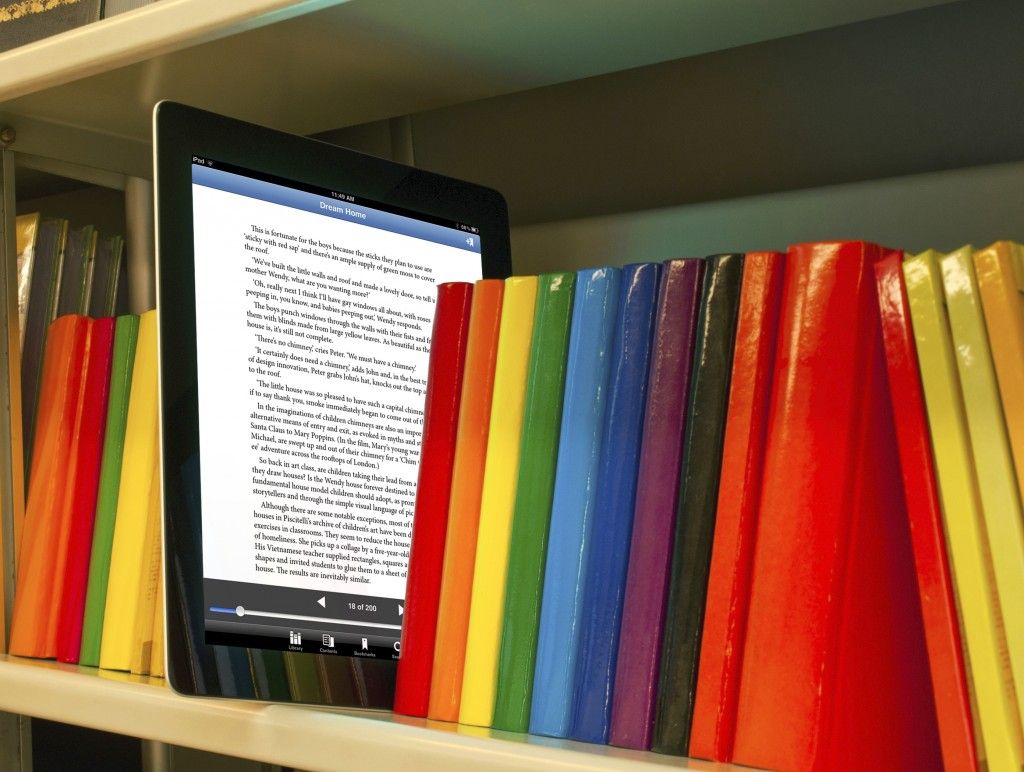
Libraries are the best resource to get back into reading. Want to know how to borrow ebooks from your library?
Most public library systems offer digital catalogs of ebooks and audiobooks you can borrow for free and enjoy on virtually any device, all without leaving the house. Chances are, your old library card is still active too. My card worked just fine after not using it for years.
Here’s a simple step by step guide to get you started:
1. Make sure you have your library card handy and head to OverDrive.com.
-Don’t have a library card? OverDrive will help you find your library’s site.
-Many libraries will let you sign up for a card online, or will give you a temporary card to use online.
-You might need to make a short trip to your library to activate a temporary card. It takes a minute, librarians are efficient.
2. Sign up for an OverDrive account using your library card number.

3. Once your account is squared away, you can start browsing your library’s catalog of ebooks and audiobooks.
4. You can sort by ebook or audiobook, as well as genre and availability.

5. As soon as you find a title that interests you, click the borrow button. If you have a Kindle or use the free Kindle Reading App, you can send your borrowed books directly to your device.

-Are all the copies of the book you want checked out? No worries, OverDrive will let you place a hold on a title. When it’s available it will automatically borrow for you, and you’ll receive and email giving you a heads-up.
-OverDrive even has an option to request books if a title is not yet in your library’s catalog. In my experience they actually listen. I’ve suggested titles, and soon enough the library acquired them. You’ll get an email if your request was added, just like a hold.
6. If you don’t use Kindle you can download ebooks in .EPUB format. In order to actually get the .EPUB file OverDrive will give you a .ACSM file.
7. Download Adobe Digital Editions
-Protip: download version 2.0 if you need to convert .EPUBs at any point.
8. After Digital Editions is installed, open the .ACSM file and the actual ebook will download.

-Once this is set up it takes no time at all to get the .EPUBs from your library
And that’s it! It’s straightforward to borrow ebooks from your library. You now have access to high-quality ebook files fast, easy, free, and best of all, legal. Support your library, it’s a valuable resource.
You can also use OverDrive’s Libby app to take you through the initial setup as well. It works on iOS, Android, and Windows. I did encounter some issues using it myself. It forgot my login information twice and I needed to set it up multiple times for it to stick. Once it’s working though the interface is sleek. Libby includes a built-in e-reader, forgoing the potential need to mess around with ebook filetypes if you read on a regular tablet or phone.
Looking for reading recommendations? Check out what I read last month if you’re into sci-fi.